GlideCast delivers real-time Android screen mirroring, PC mouse and keyboard input capture, and audio forwarding directly to your Windows PC over a 100% local, secure USB ADB bridge.
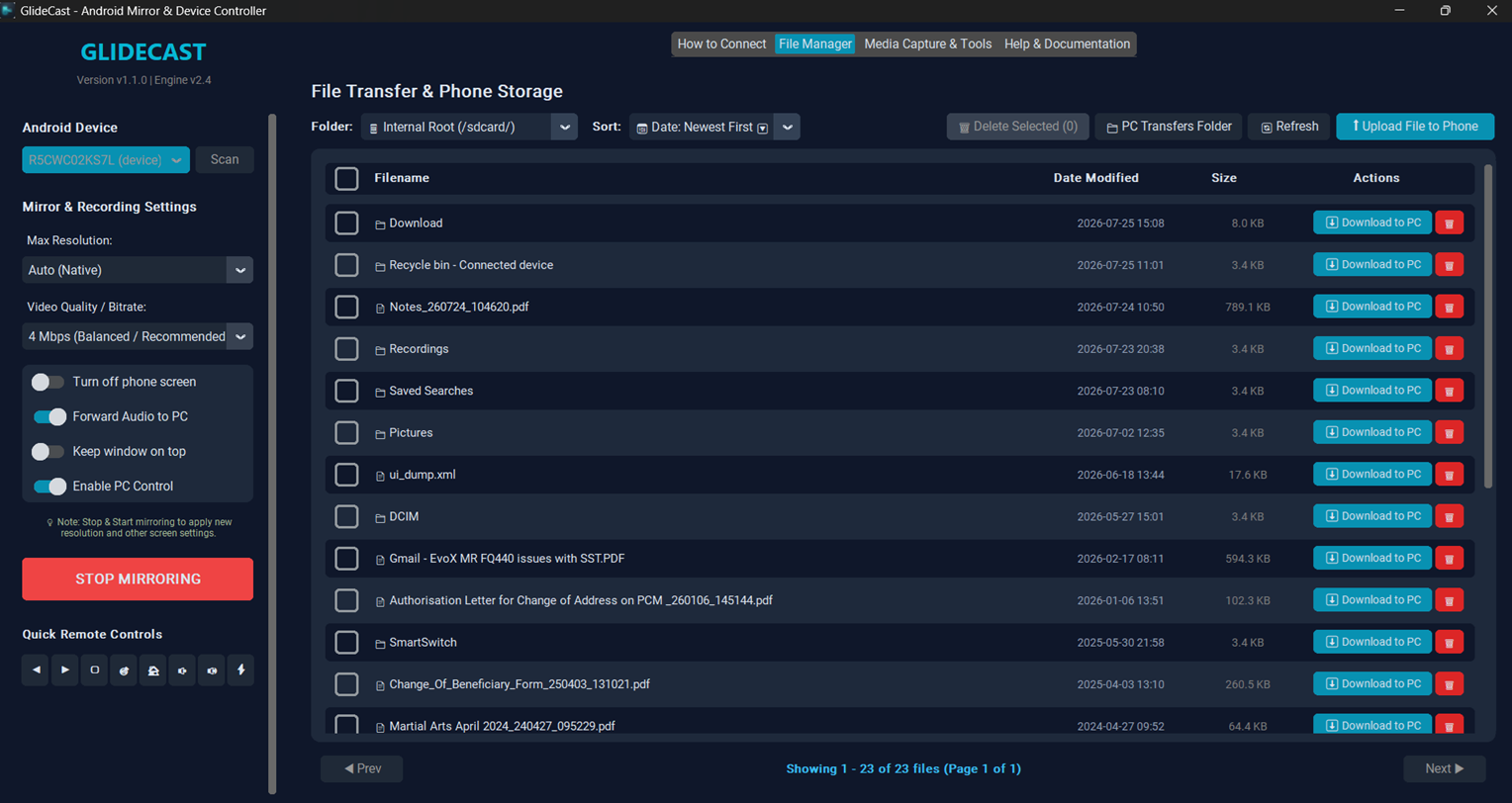
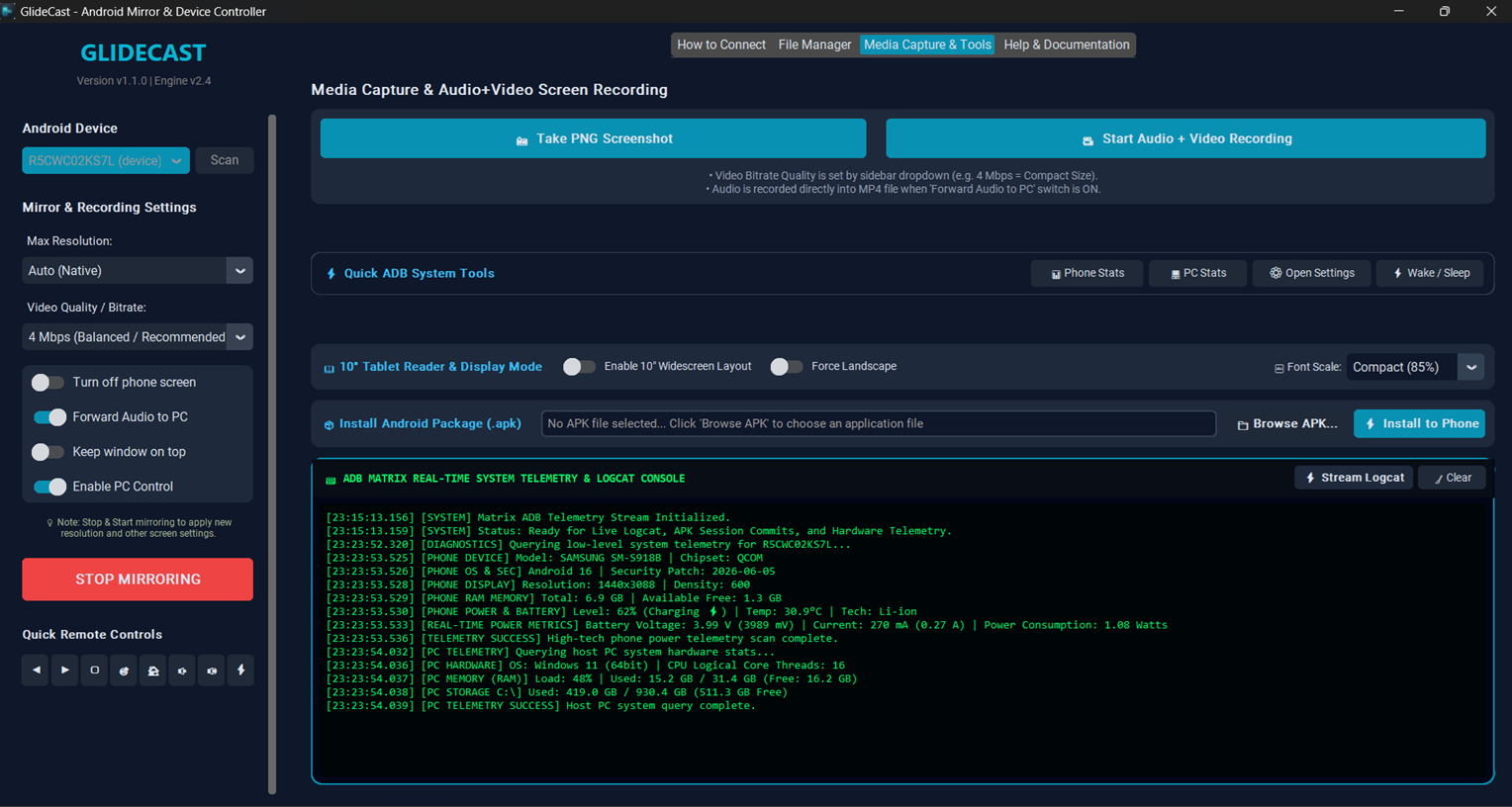
Watch the official 1080p video trailer and explore interface screenshots of GlideCast running live on Windows 10/11.
Whether you are testing mobile apps, streaming mobile gameplay, or managing device notifications, GlideCast provides seamless desktop integration.
Streams video at native device resolution with sub-15ms latency, giving you fluid 60 FPS performance without frame tearing.
Type long messages using your PC keyboard, scroll feeds with your mouse wheel, and click with instant touch simulation.
Route device game audio and media sound straight through your Windows desktop speakers or headphones.
Includes integrated Android Debug Bridge (ADB) tools out of the box. Runs completely locally on your machine with zero cloud connectivity.
Intelligent device listener automatically detects USB connection and disconnection events, re-establishing your mirror session instantly.
Employs local socket binding locks to prevent conflicting USB connections and ensure rock-solid session stability.