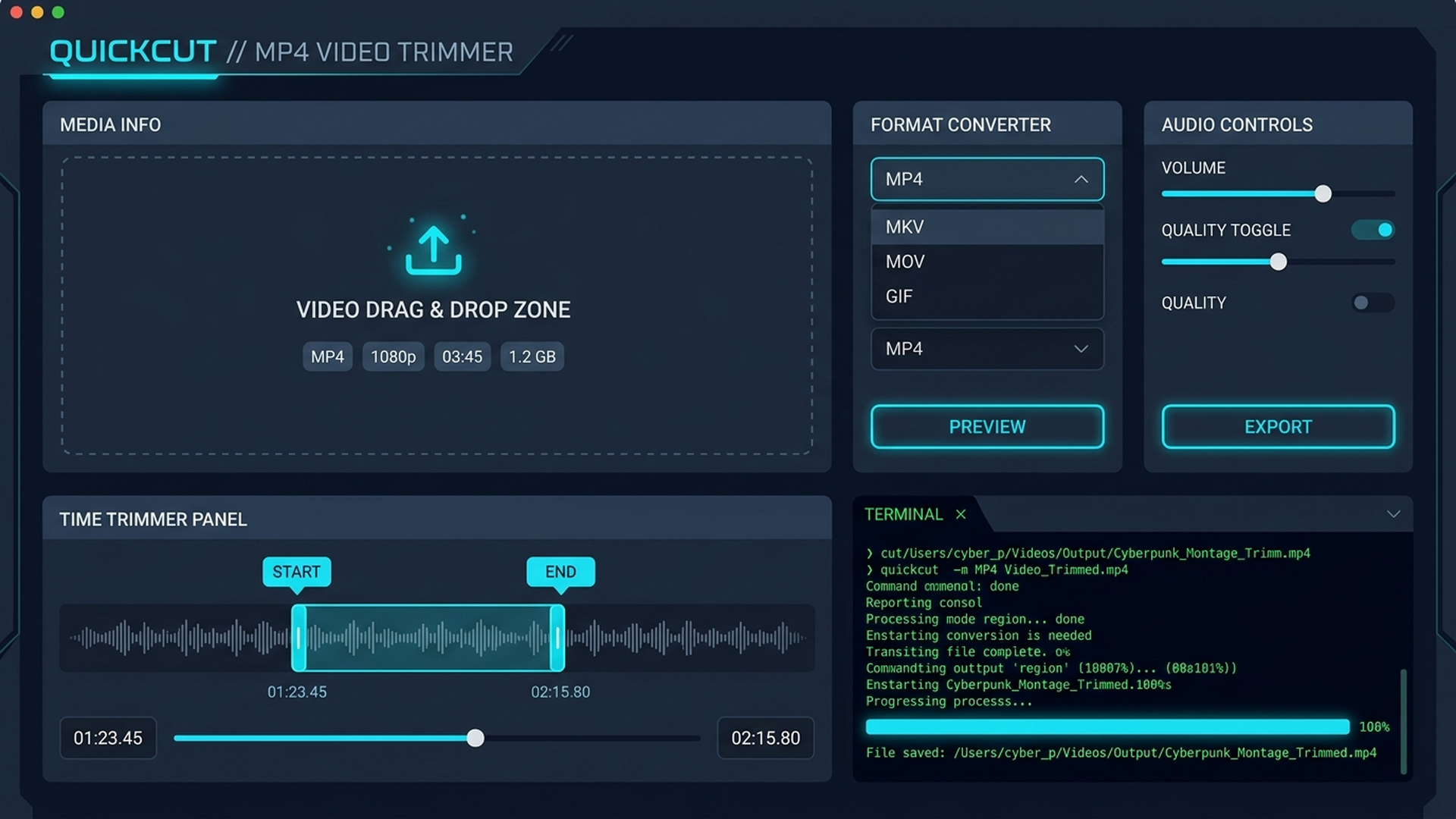
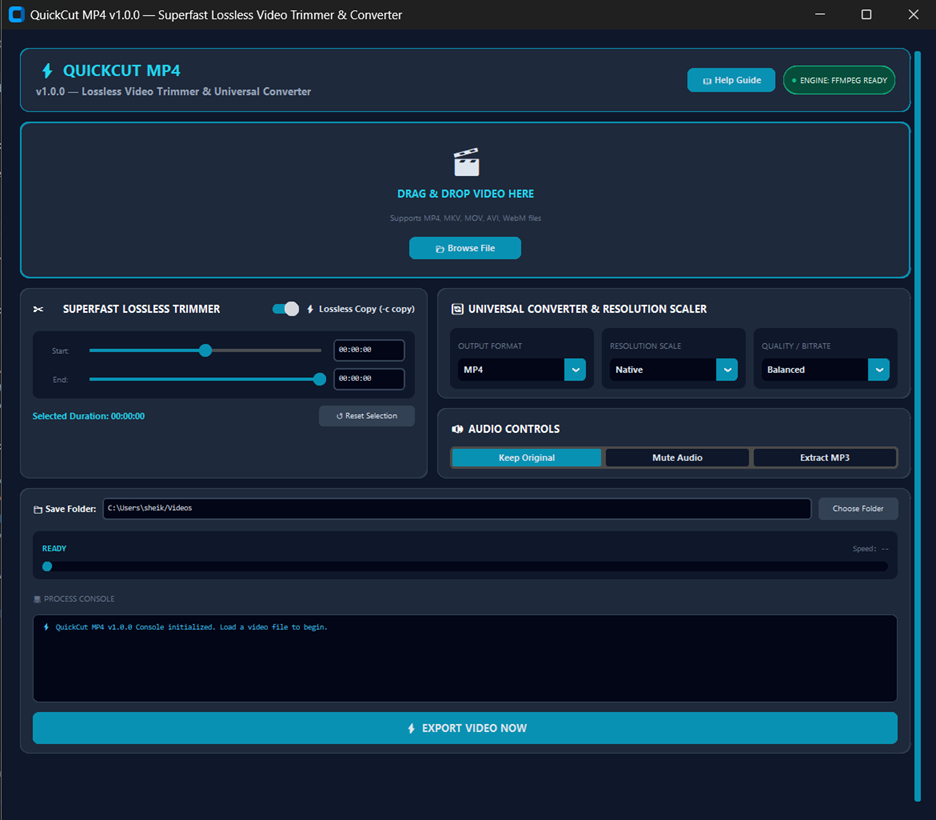
Powered by an advanced FFmpeg stream-copy engine, QuickCut MP4 allows you to trim and cut videos in sub-second time without tedious rendering or losing resolution.
Explore the clean interface and keyframe trimming controls of QuickCut MP4 running live on Windows 10/11.
QuickCut MP4 combines stream copy speed with comprehensive media toolkits.
Extracts exact video clips using native codec stream copy (-c copy) without rendering frames.
Drop MP4, MKV, MOV, AVI, or WebM media files directly from Windows File Explorer for instant timeline parsing.
Convert seamlessly between container formats or generate high-quality 2-Pass Palettegen Animated GIFs.
Extract crisp 192kbps MP3 audio tracks from any video file or strip audio channels for silent video clip exports.
Scale video exports to Native 4K, 1080p Full HD, 720p HD, or Social Web (360p) with adjustable quality presets.
Monitor export progress with percentage indicators, speed meters, and dark terminal process logs.
| FORMAT / CONTAINER | LOSSLESS STREAM COPY | TRANSCODE CONVERSION | AUDIO EXTRACTION |
|---|---|---|---|
| MP4 (.mp4) | ✔ Sub-Second (-c copy) | H.264 / AAC | 192kbps MP3 |
| MKV (.mkv) | ✔ Sub-Second (-c copy) | H.264 / H.265 | 192kbps MP3 |
| MOV (.mov) | ✔ Sub-Second (-c copy) | QuickTime Video | 192kbps MP3 |
| Animated GIF (.gif) | N/A (Palette Gen) | 2-Pass Palettegen | Muted |